
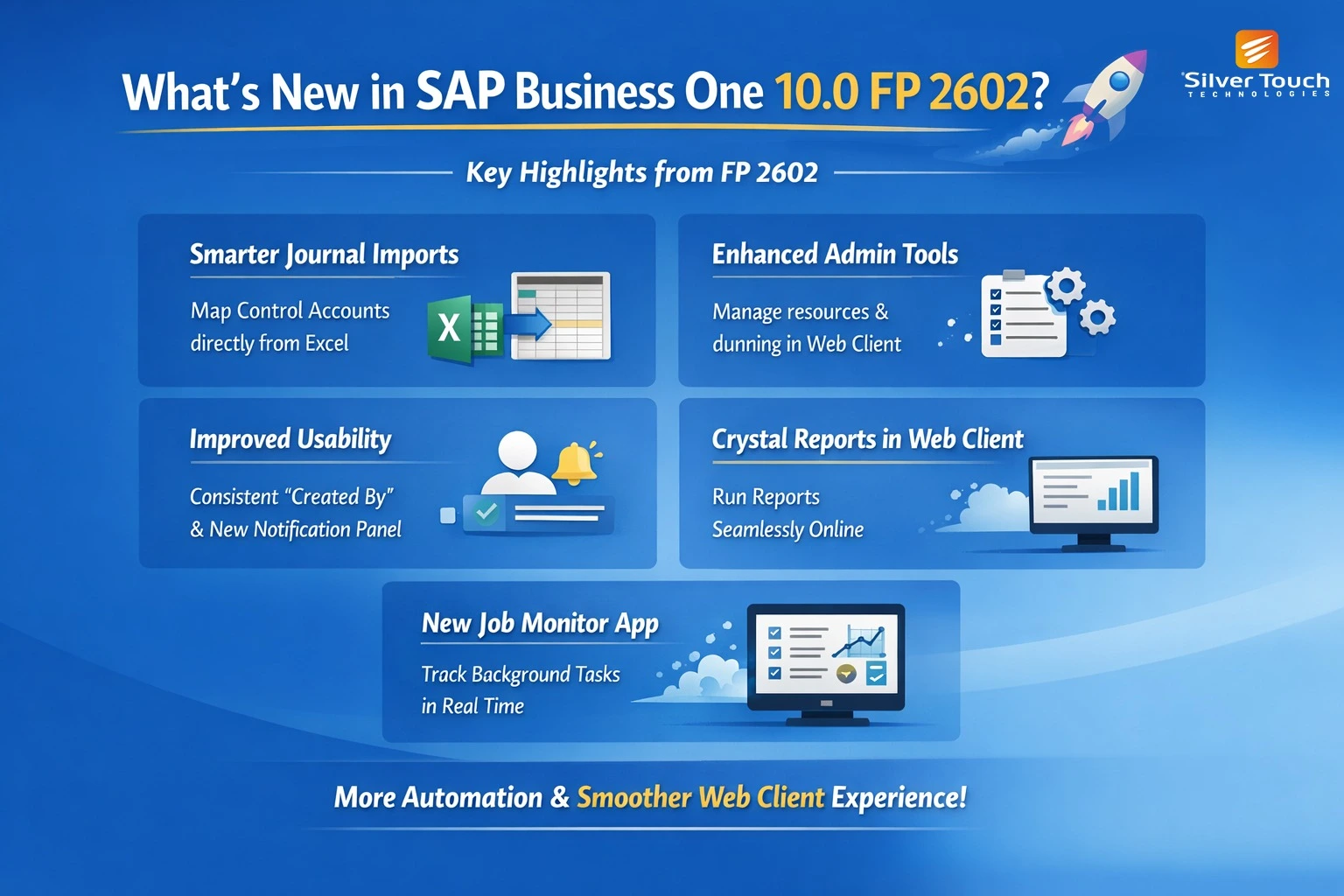
SAP Business One 10.0 continues to evolve with every Feature Package, and FP 2602 brings one of the most comprehensive waves of enhancements across accounting, administration, analytics, and the Web Client experience. Whether you’re an administrator, consultant, or business user, this update delivers meaningful improvements that streamline daily work, strengthen governance, and enhance usability.
Below is a curated walkthrough of the most impactful updates—translated from technical release notes into practical insights you can use.
1. Accounting Enhancements: More Control, More Automation
Smarter Journal Entry Imports
SAP has made Excel-based journal entry imports far more intuitive. You can now “map control accounts for business partners when importing journal entry lines from Excel”, ensuring cleaner financial postings and fewer manual corrections.
A predefined template is also available, reducing mapping errors and speeding up onboarding for new finance users.
Improved Journal Entry & Voucher Apps
The Web Client now supports:
- Copy/paste of journal entry lines
- Automatic balancing using Ctrl + B
- Visibility of debit/credit totals across local, system, and foreign currencies
- Cash flow assignment directly within the JE screen
These small touches significantly reduce friction for accountants working with high-volume entries.
Recurring Journal Entries Get an Upgrade
Recurring entries now support:
- Withholding tax
- Copy/paste
- Clear visibility of totals
- Set authorizations for States
- Define new states directly from dropdowns
- Manage dunning terms and levels in the Web Client
- UDFs for package types are now fully supported in the Web Client
- UDFs can be linked to Branches (OBPL)
- UDVs can be tested before import, reducing configuration errors
- Sales
- Purchasing
- Inventory
- Production
- Accounting
- Service
- Activity reminders
- Approval decisions
- Service call assignments
- Attachments
- Line-level document links for partially canceled check deposits
- Status
- Scheduled time
- Execution time
- Progress
- More power in the Web Client
- Better governance and configuration tools
- Improved financial workflows
- Greater usability and consistency
This is especially useful for companies with complex monthly accruals.
2. Administration Enhancements: More Control for Config Experts
New Resources & Route Stages Apps
The Web Client now includes expanded configuration options for production environments. You can “edit resource settings and properties and create resource groups” directly in the Web Client—closing a long-standing gap for manufacturing users.
Better Authorization & State Management
Administrators can now:
This reduces dependency on the desktop client and improves governance.
User-Defined Fields & Values: More Power, More Flexibility
A major upgrade:
This is a big win for partners and consultants who rely heavily on UDF/UDV frameworks.
3. Usability Improvements: Cleaner, Faster, More Intuitive
Consistent “Created By” and User Code Fields
SAP has standardized user-related fields across:
The field previously known as User Signature is now Created By, and you can filter by user name or code. This improves auditability and makes list views more intuitive.
Enhanced Notifications Panel
Users can now prioritize notification types such as:
The panel also includes a new By Importance sorting option.
4. Analytics & Reporting: More Visibility, More Connectivity
Crystal Reports Now in the Web Client
A dedicated Crystal Reports group is now available, allowing users to run existing reports directly from the Web Client. Some parameters still require manual entry, but this is a major step toward full Web Client parity.
Blanket Agreements in General Overview
Sales and purchase blanket agreements can now be used as data sources for dashboards and linked views—unlocking new reporting possibilities.
5. Banking & Payments: Small Enhancements with Big Impact
Deposits App Improvements
The Deposits app now supports:
This improves traceability and reduces reconciliation errors.
6. Job Monitor: A New Operational Visibility Tool
A brand-new Job Monitor app provides real-time visibility into background jobs.
It tracks:
This is especially useful for administrators managing scheduled tasks or troubleshooting integration jobs.
Final Thoughts
SAP Business One 10.0 FP 2602 is not just a feature update—it’s a meaningful step toward a more modern, Webfirst, userfriendly ERP experience. The enhancements span every functional area, but the biggest themes are clear: